
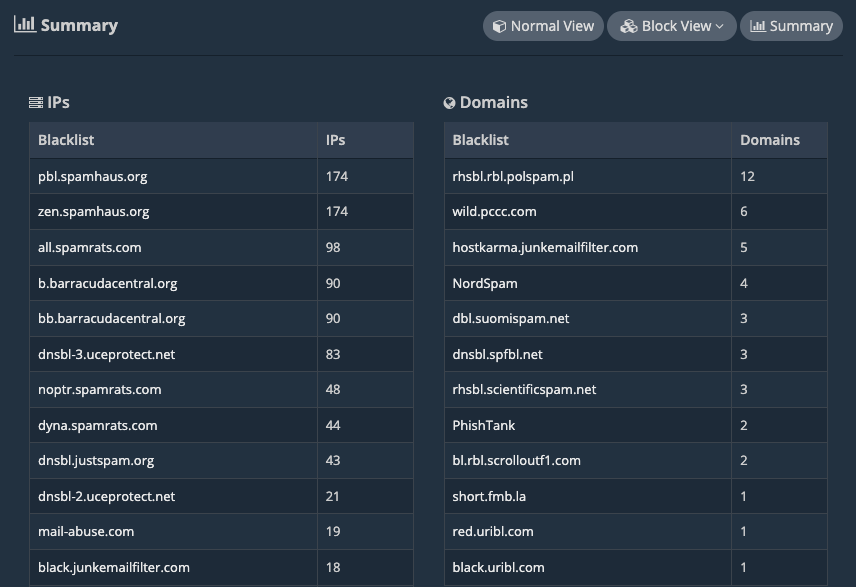
In this guide, we’ll go over how to create and access a quick summary of your overall blacklisting status, showing each RBL where your IPs and domains are blacklisted and the blacklisting count for each of them.
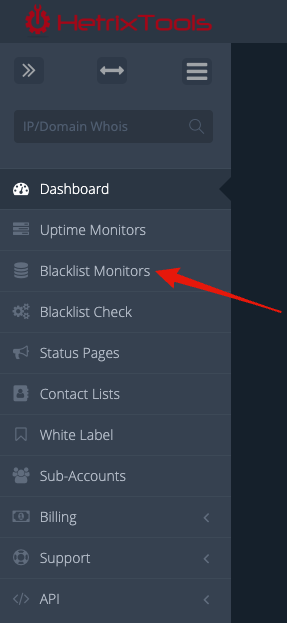
To get started, head on to your Blacklist Monitors dashboard from the client area menu.
Towards the top-right side of the panel, locate the “Summary” button and click it.

The system will quickly generate a summary of your blacklisting status for all of your monitored IPs and domains.
You can then click on any RBL’s name to view just the IPs blacklisted on that particular blacklist.
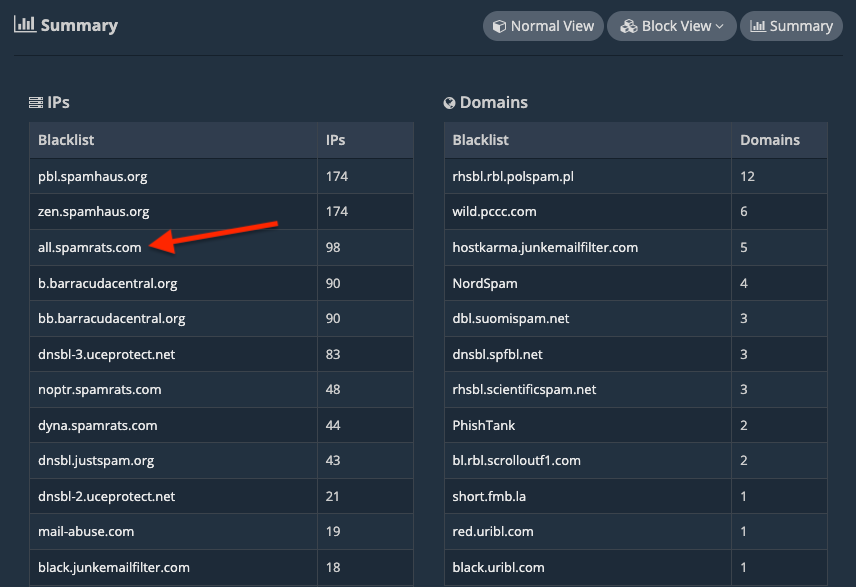
This will help you easily identify which RBLs you are the most blacklisted on that require the most of your attention.