
If you’d like to pay your invoice via Stripe Checkout, which offers a wide variety of local payment options for your specific country/location, please follow the guide below.
Start by heading to the Invoices page from your client area menu.
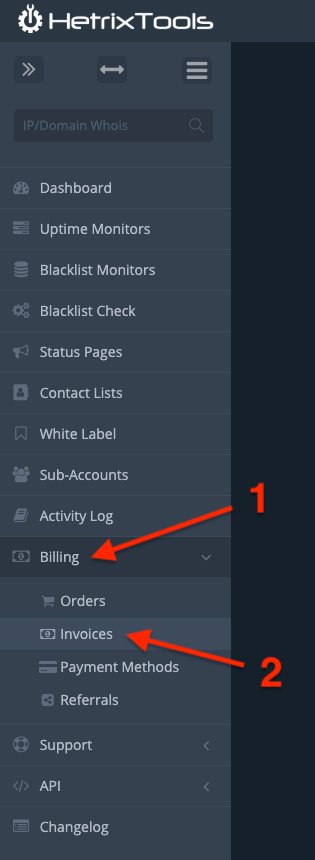
Locate the invoice you wish to pay and click on its number to open it.

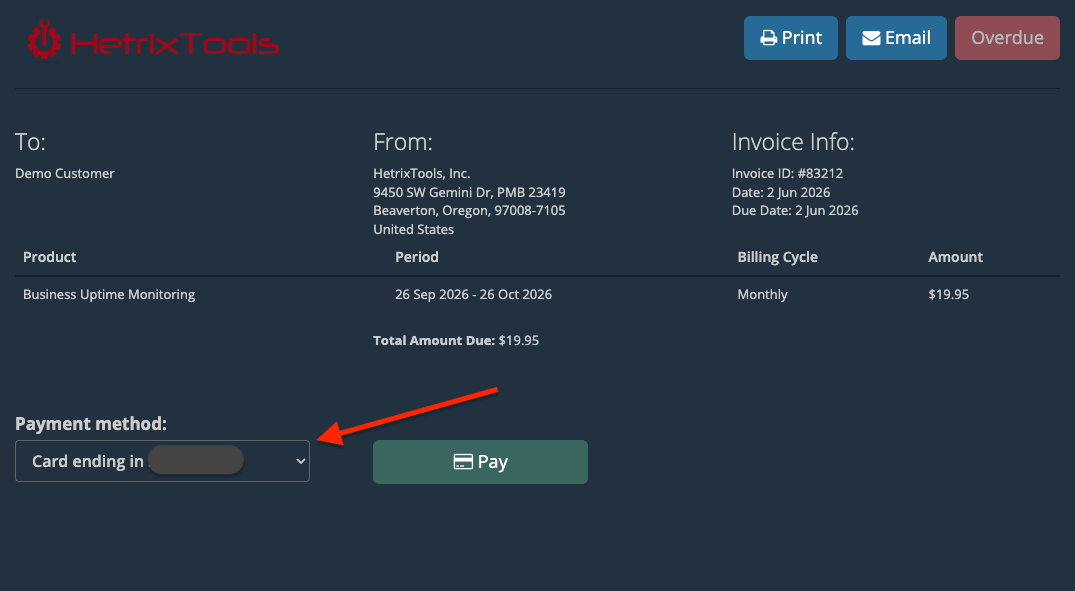
Then, expand the available payment methods under the “Payment method” section.
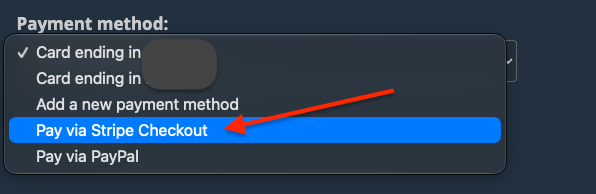
And select the “Pay via Stripe Checkout” option.
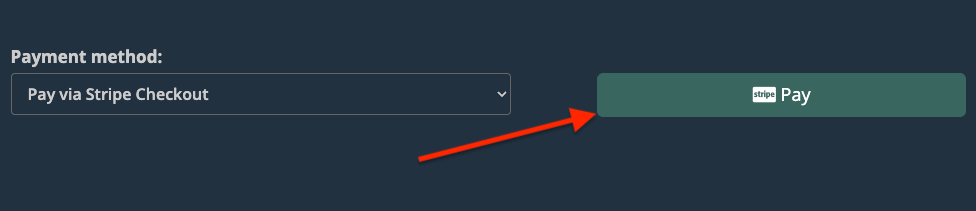
Then, just click on the “Pay” button.
A new page with Stripe Checkout will open up, where you’ll be able to pay in your local currency and via locally supported payment methods, based on your country and location.
Once you finish the payment process on the Stripe Checkout page, your invoice will be automatically marked as paid in your HetrixTools dashboard, and no further action will be needed on your part.